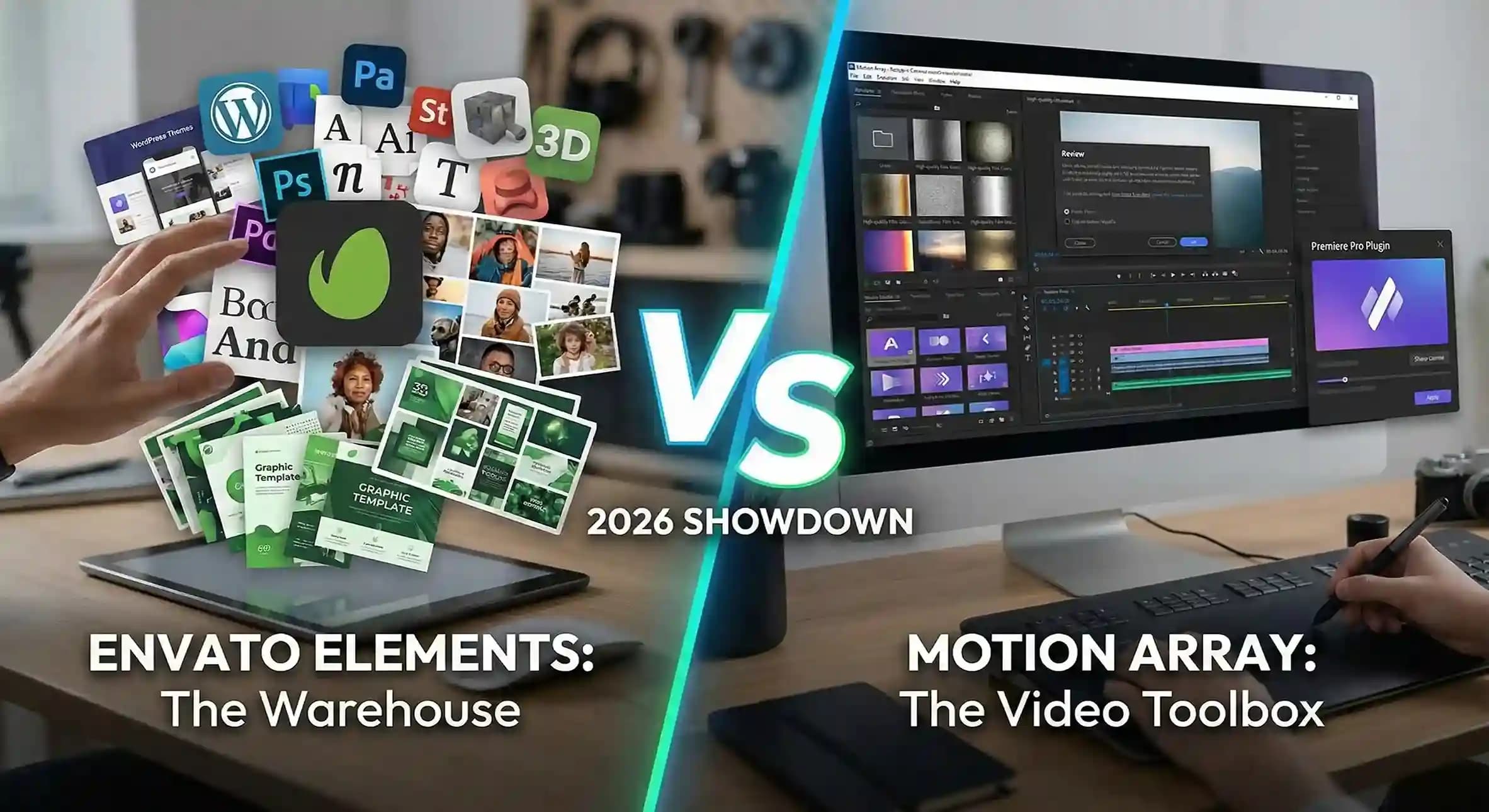
If you're a video editor, graphic designer, or content creator, you've probably found yourself stuck between two of the biggest names in the creative assets game: Envato Elements and Motion Array. Both platforms promise unlimited downloads, massive libraries, and everything you need to create stunning content. But which one is actually worth your hard-earned money in 2026?
I've spent countless hours using both platforms for various projects, and I'm here to give you an honest, no-fluff comparison. Whether you're a freelancer, a YouTube creator, or part of a production team, this guide will help you make the right choice.
Quick Overview: What Are These Platforms?
Before we dive deep, let's get a clear picture of what each platform offers:
Envato Elements
Launched in 2016 by the same folks behind ThemeForest and VideoHive, Envato Elements is like an all-you-can-eat buffet for creatives. We're talking video templates, stock footage, music, graphics, photos, fonts, WordPress themes, and even 3D assets. It's massive — over 16+ million assets and counting.
Motion Array
Motion Array started as a go-to spot for motion graphics and video templates but has grown into a full-featured creative platform. They offer video templates, stock footage, music, sound effects, and some pretty cool extras like a video review tool and portfolio hosting. Think of it as a more video-editor-focused alternative with around 4+ million assets.
Pricing Breakdown: What Does Your Wallet Think?
Let's be real — pricing matters. Here's how the two stack up:
| Feature |
Envato Elements |
Motion Array |
| Monthly Plan |
$33/month |
$29.99/month |
| Annual Plan |
$198/year ($16.50/mo) |
$249.99/year ($20.83/mo) |
| Free Trial |
7-day free trial |
Limited free plan available |
| Team Plans |
Available |
Available |
The Verdict on Pricing: If you're going annual, Envato Elements wins on value at roughly $16.50/month compared to Motion Array's $20.83/month. However, Motion Array offers a limited free plan, which is great for testing the waters before committing.
Asset Library: Size vs. Specialization
This is where things get interesting. Both platforms have impressive libraries, but they cater to slightly different needs.
Envato Elements — The Everything Store
Envato Elements is huge. We're talking:
- 4.5+ million video templates (After Effects, Premiere Pro, DaVinci Resolve, Final Cut Pro)
- 8+ million stock photos
- 1.5+ million graphics and illustrations
- 600,000+ royalty-free music tracks and sound effects
- 90,000+ fonts
- WordPress themes, plugins, 3D assets, and Canva templates
The diversity here is unmatched. If you need a Premiere Pro template today, a set of Instagram story graphics tomorrow, and a WordPress theme next week, Envato has you covered without switching platforms.
Motion Array — The Video Editor's Paradise
Motion Array is more focused but delivers quality where it counts:
- 350,000+ video templates (heavily optimized for Premiere Pro, After Effects, DaVinci Resolve)
- 2+ million stock video clips
- 200,000+ music tracks and sound effects
- 500,000+ stock photos
- Presets, transitions, and motion graphics galore
If your work is 90% video editing, Motion Array's curated library feels more tailored. Their video templates are often more polished and ready-to-use straight out of the box.
Template Quality: Who Does It Better?
Numbers are great, but quality matters more. Here's my honest take after using both extensively:
Envato Elements Quality
Because Envato Elements has so many assets, quality can be hit-or-miss. You'll find absolute gems sitting next to some outdated or poorly organized projects. The good news? The community ratings and reviews help you filter out the duds quickly.
Pro tip: Sort by "Most Popular" or check the reviews before downloading. The top-rated content is genuinely professional-grade.
Motion Array Quality
Motion Array feels more curated. They seem to have stricter quality control, so most templates you download are clean, well-organized, and don't require much tweaking to look good. If you hate spending 30 minutes fixing a messy project file, Motion Array might save you some headaches.
Winner: Motion Array for consistency, but Envato Elements has more variety if you're willing to dig.
Software Compatibility: Does It Work With Your Tools?
Both platforms support all the major editing software, but there are some differences:
| Software |
Envato Elements |
Motion Array |
| Adobe After Effects |
✅ Extensive |
✅ Extensive |
| Adobe Premiere Pro |
✅ Extensive |
✅ Extensive |
| DaVinci Resolve |
✅ Growing |
✅ Excellent |
| Final Cut Pro |
✅ Good |
✅ Good |
| Canva |
✅ Templates available |
❌ Not available |
| Figma |
✅ UI kits available |
❌ Not available |
Key Insight: Motion Array has been investing heavily in DaVinci Resolve content lately. If you're a Resolve user, their library might be more optimized for you. Envato Elements, on the other hand, covers more ground with Canva, Figma, and design software support.
Unique Features: What Sets Them Apart?
Envato Elements Exclusive Features
- WordPress Themes & Plugins: Thousands of premium themes included — huge for web designers.
- Canva Templates: Perfect if you use Canva for social media content.
- 3D Assets: Growing library for 3D creators.
- Presentation Templates: PowerPoint, Keynote, and Google Slides templates.
Motion Array Exclusive Features
- Video Review Tool: Share projects and get client feedback directly — no more confusing email chains.
- Portfolio Hosting: Build and host your creative portfolio on their platform.
- Unlimited Music: Their music licensing terms are simple and clear.
- Free Plan: Access some content without paying, which is great for casual users.
If you're freelancing and need client collaboration tools, Motion Array's video review feature is genuinely useful and might save you a separate subscription to something like Frame.io.
Licensing: Can You Use It Commercially?
Both platforms offer commercial licenses, but there are nuances:
Envato Elements Licensing
Envato uses a "registered" licensing model. Every asset you download gets registered to a specific project. You can use it commercially, in client work, on YouTube, wherever — but you need to register it. If you cancel your subscription, you can still use the assets you've already registered.
Motion Array Licensing
Motion Array's licensing is simpler. While subscribed, you can use anything commercially. However, if you cancel, you lose access to download new content and can only use what you've already downloaded.
Important: Neither platform allows reselling assets or using them in on-demand products (like print-on-demand stores) without additional licensing.
User Experience: Who Makes Your Life Easier?
Envato Elements Experience
The Envato interface is clean and functional, but the sheer volume of content can feel overwhelming at times. Search filters are robust, though, and once you figure out how to navigate, it works well. They also have browser extensions for easier workflow integration.
Motion Array Experience
Motion Array feels more streamlined, probably because the library is smaller and more focused. Search is fast, previews are smooth, and everything feels optimized for video editors. Their plugin for Premiere Pro is particularly nice — download and import assets without leaving your editing timeline.
Customer Support: Who's Got Your Back?
Both platforms offer email support and extensive knowledge bases. From my experience:
- Envato Elements: Support is responsive but can feel impersonal given the platform's scale.
- Motion Array: Smaller team, but responses felt more personal and helpful.
Neither will leave you hanging, but Motion Array's support feels more "boutique."
Who Should Choose Envato Elements?
Envato Elements is ideal if you:
- Need variety beyond video — graphics, fonts, WordPress themes, presentations, etc.
- Work across multiple creative disciplines.
- Want the biggest library possible for one subscription.
- Use Canva or Figma regularly.
- Prefer annual savings (their yearly plan is a great deal).
Who Should Choose Motion Array?
Motion Array is ideal if you:
- Focus primarily on video editing.
- Value curated, high-quality templates over sheer quantity.
- Use DaVinci Resolve as your main editor.
- Need client collaboration tools like video review.
- Want to try before committing with a free plan.
The QuickDLR Alternative: Best of Both Worlds
Here's the thing — what if you didn't have to choose?
With QuickDLR, you can fetch supported item URLs from both Envato Elements and Motion Array (and the other sites QuickDLR lists) under one QuickDLR plan. QuickDLR is a separate subscription and does not replace an Envato or Motion Array license.
Use the files under the source marketplace terms. Compare daily limits on the pricing page.
Final Verdict: Which One Wins in 2026?
| Category |
Winner |
| Best Overall Value |
Envato Elements (annual plan) |
| Best for Video Editors |
Motion Array |
| Biggest Library |
Envato Elements |
| Best Template Quality |
Motion Array |
| Best for DaVinci Resolve |
Motion Array |
| Best for All-Around Creatives |
Envato Elements |
| Best Free Option |
Motion Array |
My recommendation? If you're a generalist who touches everything from video to web design, go with Envato Elements. If video is your bread and butter, Motion Array will feel like home.
Or, skip the dilemma entirely and use QuickDLR to access the best assets from both platforms without the commitment.
Have questions about Envato Elements, Motion Array, or how QuickDLR works? Drop us a message through our contact page — we're always happy to help fellow creators!